Snapmaker 3D Printer Review: Is This Multi-Color Machine Worth It?
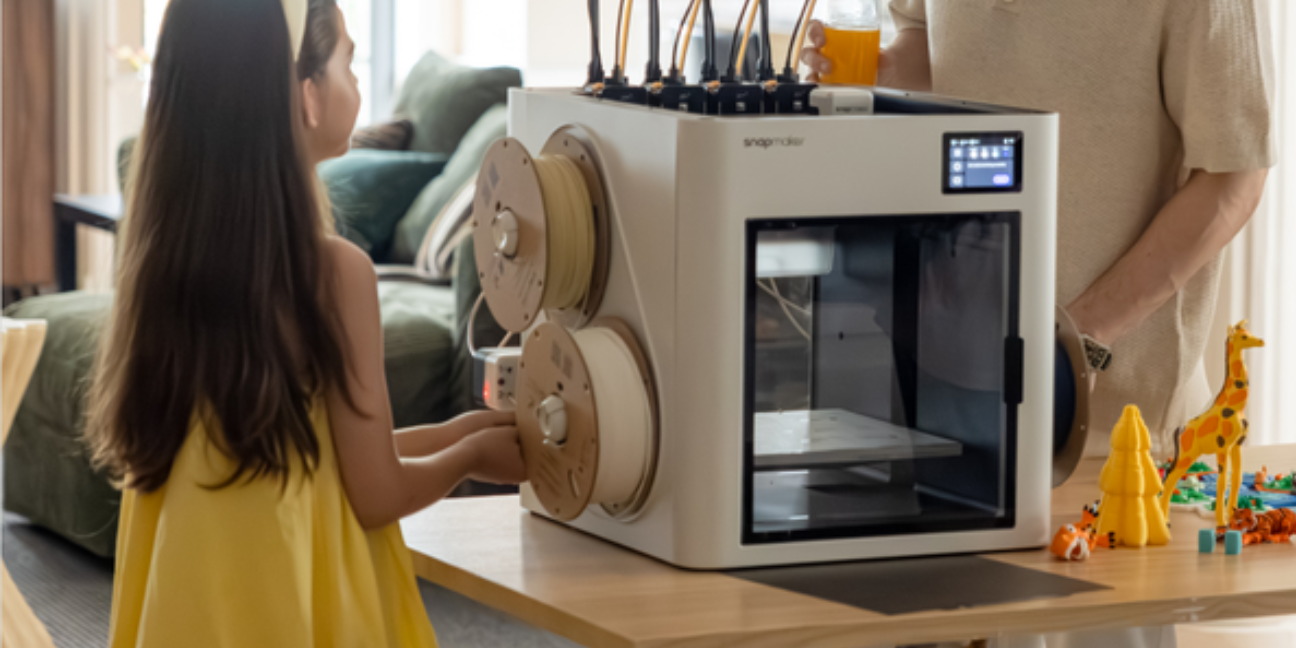
You have probably been waiting for hours to complete the printing project. The time-consuming process and the color-changing filaments are testing patience, constantly making you think of switching to something more hassle-free. That's where this Snapmaker U1 3D Printer comes in.
The multi-color upgrade is designed to make your 3D printing more enjoyable. With Snapmaker U1, you can finally spend less time managing the printer and more time bringing your ideas to life. Sounds amazing, right? Let's look into more details for the Snapmaker 3D printer review:
Overview Of Snapmaker U1 3D Printer
Instead of using ink on paper, a 3D printer lays down thin strands of material to build shapes you can touch and use. For many people, 3D printing is for creativity in designing custom gadgets and toys. But traditional 3D printers are limited to one color at a time, which is frustrating when switching between filaments.
However, the Snapmaker U1 3D Printer is made to simplify and speed up your printing projects. It comes with multiple tool heads so you can use several colors or materials in the same print without messy purging. These printers are designed to give you smoother printing with less waste and more control, making it a strong choice
Features that Make the 3D Printer a Smart Upgrade
If you’ve used regular 3D printers, then you know how frustrating it can be when prints take time or colors don’t come out right. The Snapmaker U1 makes printing cleaner with smart features:
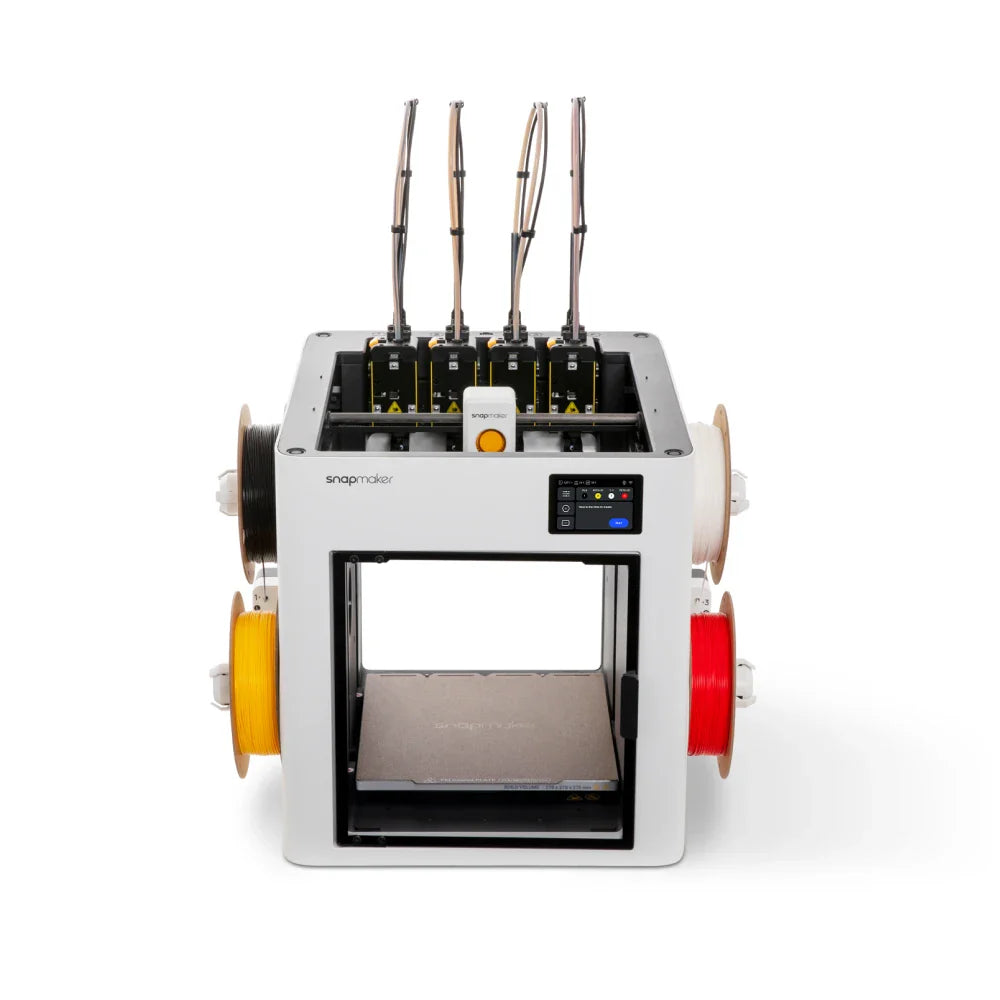
Multi-Toolhead System
The Snapmaker U1 comes with a multi-toolhead setup that lets you switch between printing heads easily. This means you can use different materials or colors in a single project without manually swapping parts, making prints more professional-looking.
Auto Leveling
This printer has auto leveling, which sets up the print bed perfectly every time. These smart features save you from minor errors and make sure prints come out smooth, so you can focus on creating rather than fixing problems.
Filament Handling
The U1 makes working with filament much simpler than older printers. Its design prevents common filament issues such as tangles or breaks, giving you a hassle-free printing experience, especially if you’re just starting projects.
Smart Connectivity
Snapmaker U1 lets you connect in multiple ways, including Wi-Fi and direct file transfer. You can efficiently send designs straight to the printer from your phone, without wasting time with cables or complicated setups.
Pros and Cons of the Snapmaker 3D Printer
Before buying these printers, make sure to consider the following pros and cons:
Pros of the Snapmaker 3D Printer
- Prints in more than one color without lots of manual work.
- Features like auto-leveling help reduce mistakes and save time.
- Keeps material feeding smoothly with fewer jams or tangles.
- You can send files by Wi‑Fi or USB without fuss.
- Strong and reliable build quality in many basic printers.
Cons of the Snapmaker 3D Printer
- Some features can feel a bit technical at first.
- Higher price than basic models.
FAQs
How to Use 3D Printers?
Just design or download a 3D model, load the filament, set up the printer, and start printing.
How Much Electricity Does the Snapmaker 3D Printer Use?
It uses around 120–150 watts while printing, which is similar to a small household appliance.
How to Respool a 3D Printer Filament?
Carefully remove the old spool, feed the filament onto a new spool, and make sure it winds evenly.
If you’re tired of slow prints, messy color changes, and limited options, then the Snapmaker 3D Printer is a solid choice. It makes printing smoother and quicker, giving you the freedom to bring your ideas to life with less hassle. So, are you ready to change the printing experience? Check out the Snapmaker U1 today and start creating better prints with ease. Explore the Snapmaker discount codes today for the best discount offers.
Stay tuned to TheSmartUse to get more information about 3D printing.
Comment:
Your email address will not be published. Required fields are marked *